




Dear friends,
Donno Bikes has always been committed to putting the utmost value in everything it does and our Premuroso team really puts in the effort every day.
So also for the voucher, we wanted to see first-hand how the voucher of 500 € to be used towards the purchase of a bicycle. And because we just can't sit still, we have put together a step-by-step guide to applying for the voucher below, so you can help yourself and know what you are entitled to.
1. VISIT THE WEBSITE www.buonomobilita.it , enter your town of residence and click SIGN IN / REGISTER

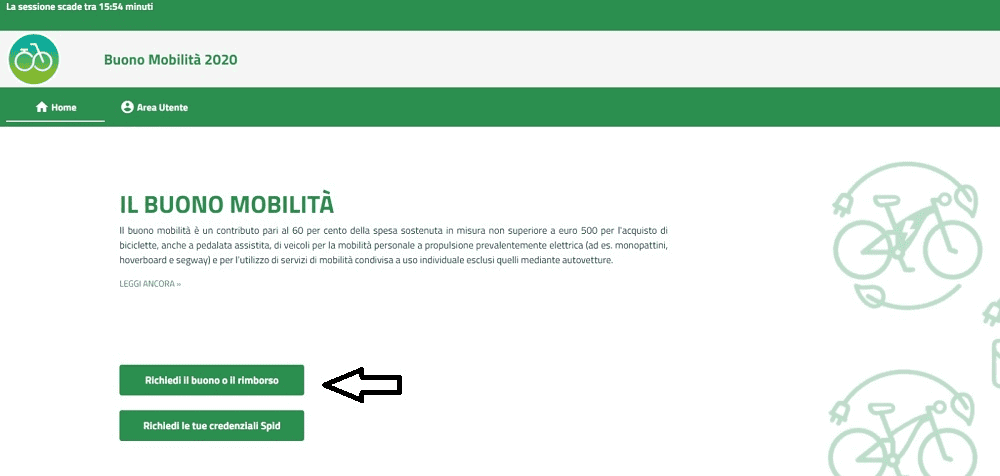
2. SELECT THE 'REQUEST VOUCHER OR REFUND' OPTION
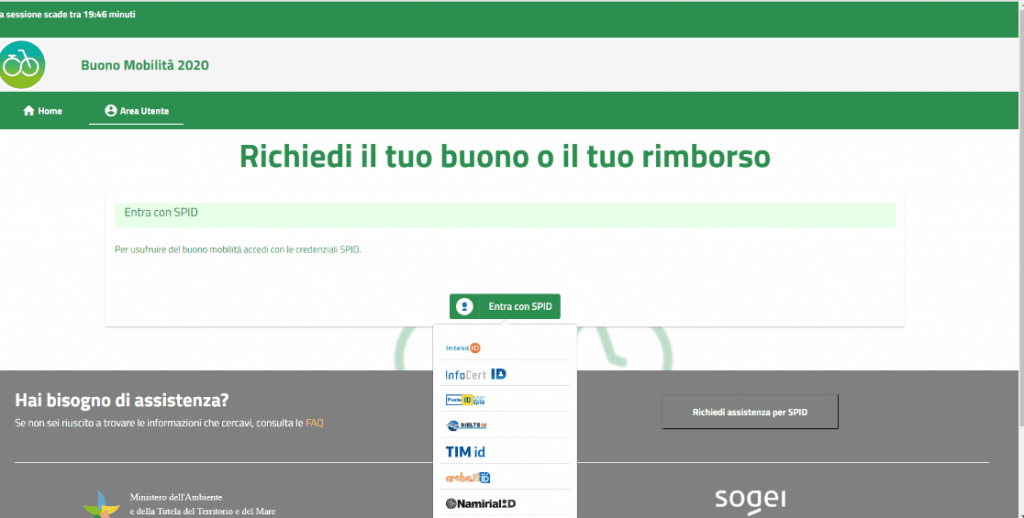
3. CHOOSE YOUR SPID PROVIDER AND CLICK ON 'LOG IN WITH SPID'.
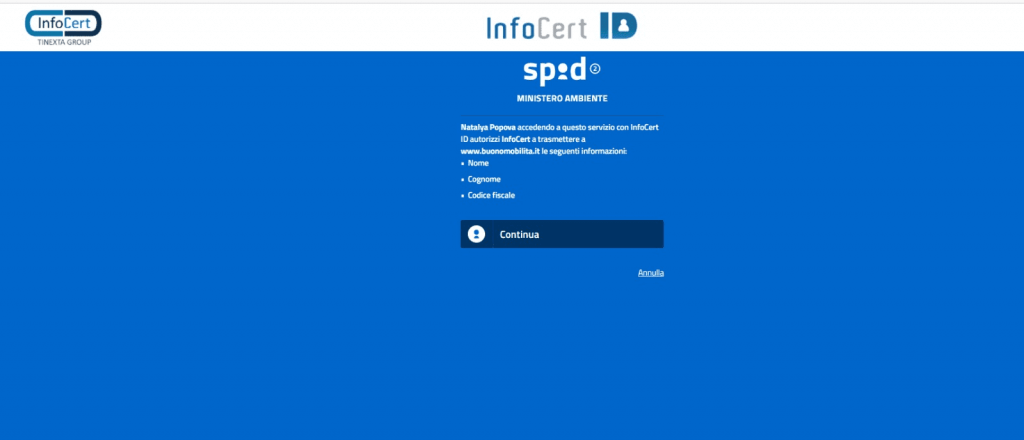
4. ENTER YOUR SPID CREDENTIALS AND PRESS 'CONTINUE'. WE DID IT WITH INFOCERT AND TESTED "POSTE ID" AS WELL
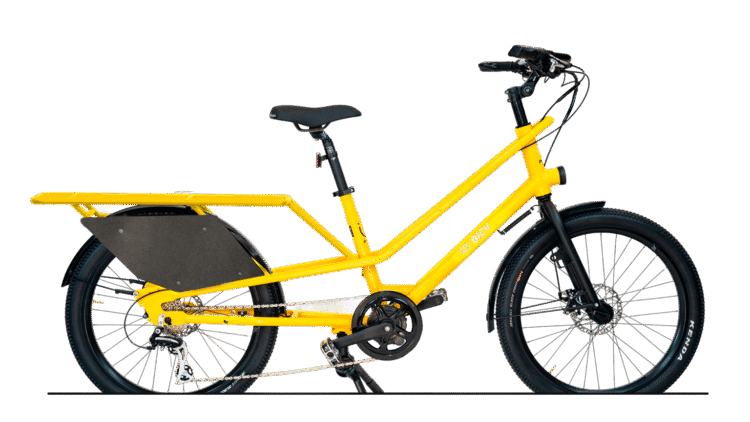
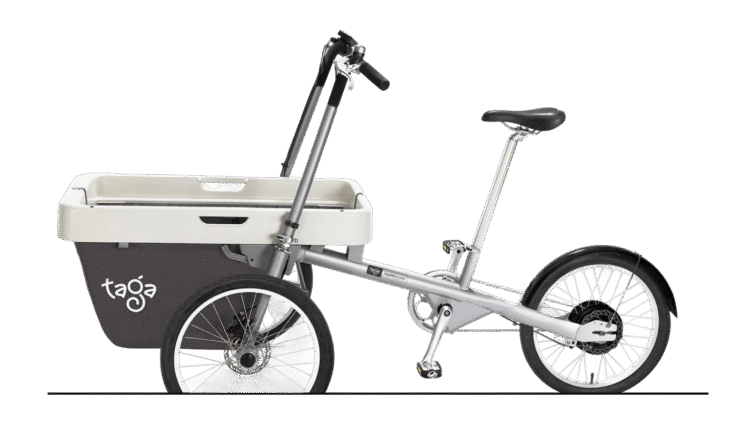
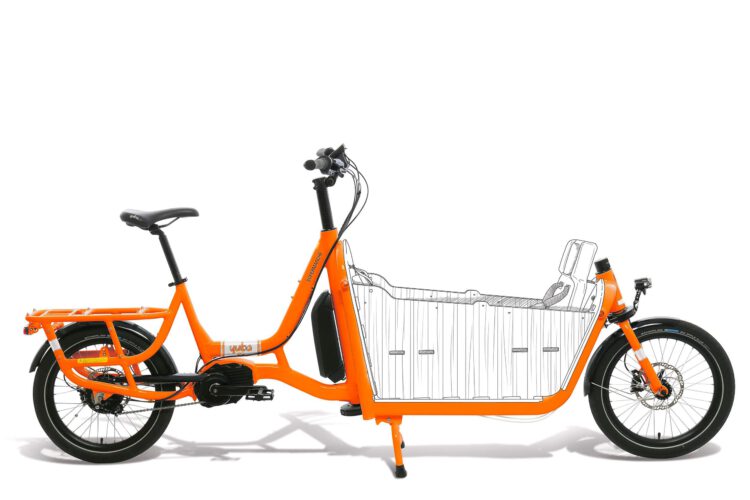
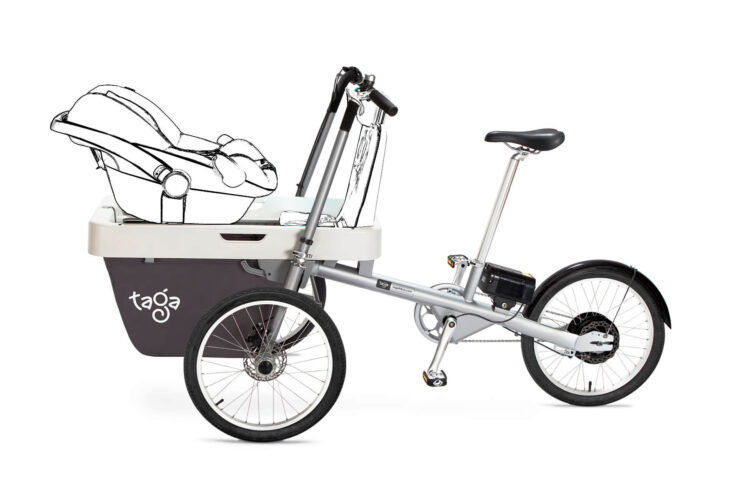
To see how a cargo bike performs in everyday life, explore our electric cargo bikes.
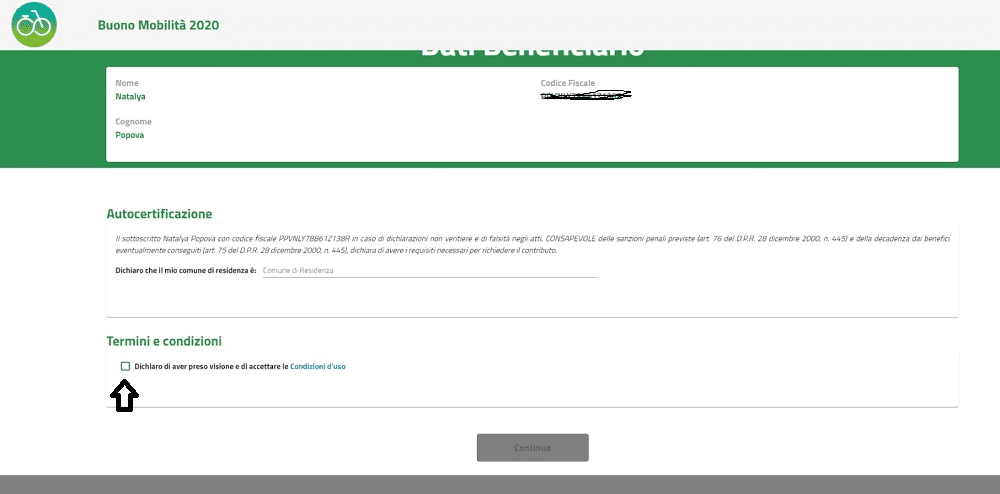
5. ENTER YOUR MUNICIPALITY OF RESIDENCE, ACCEPT THE TERMS AND CONDITIONS AND PRESS CONTINUE
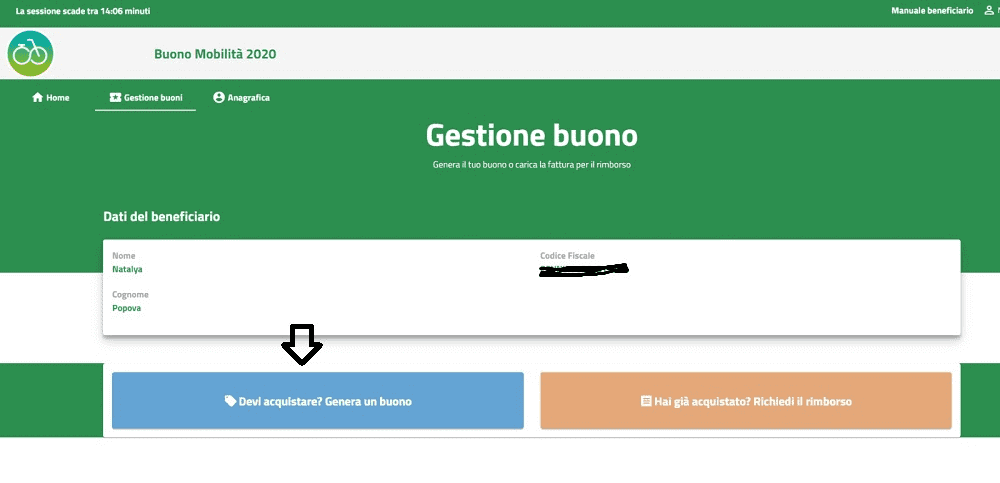
6. CHOOSE THE 'DO YOU HAVE TO BUY? GENERATE A VOUCHER" OPTION
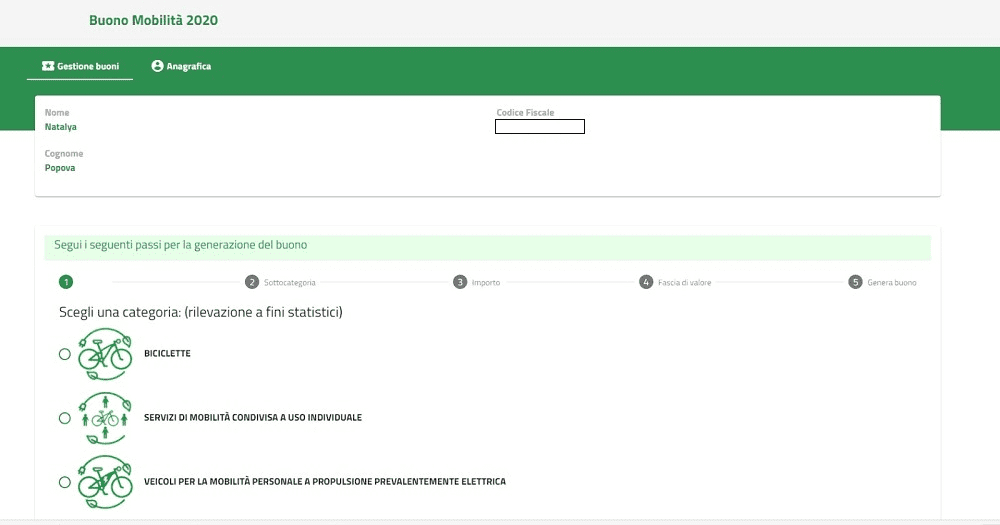
7. CHOOSE A CATEGORY THAT INTERESTS YOU. NB! VALID FOR STATISTICAL PURPOSES ONLY
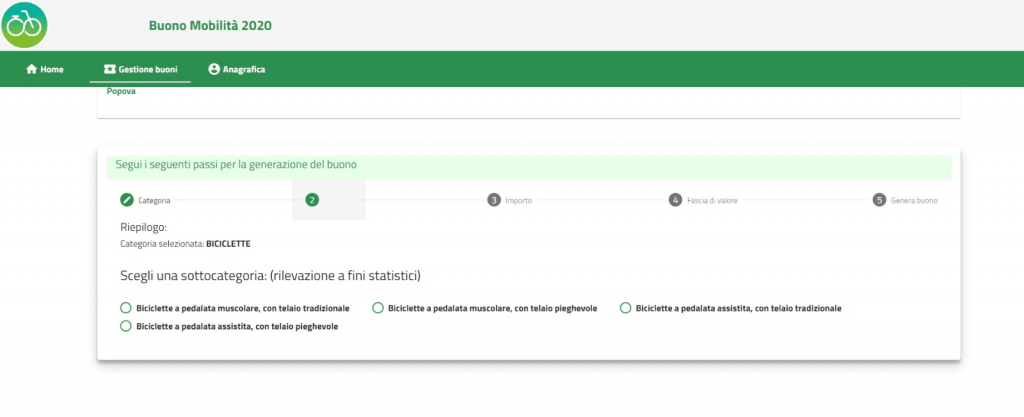
8. CHOOSE THE SUBCATEGORY YOU ARE MOST INTERESTED IN
9. ENTER AN APPROXIMATE AMOUNT OF THE SUM OF THE BIKE.
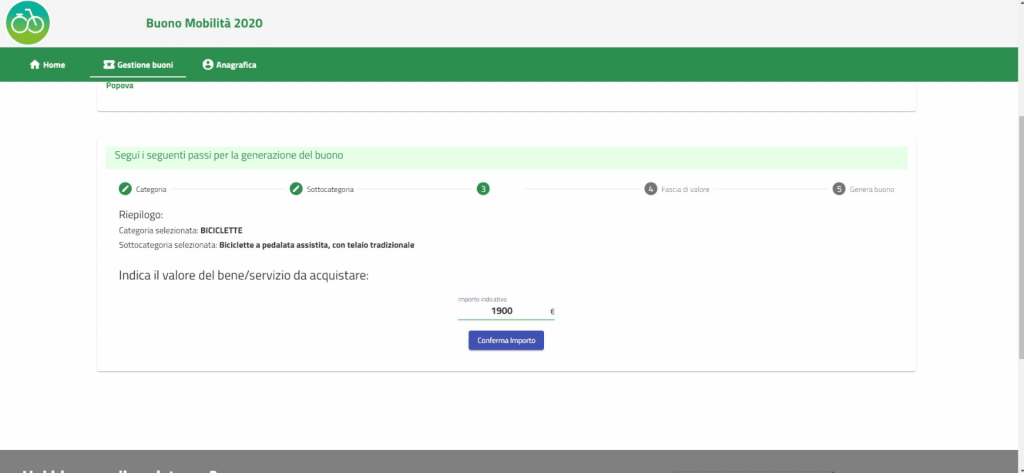
10. ACCORDING TO THE WRITTEN INDICATIVE AMOUNT, THE PORTAL GENERATES A VOUCHER FOR A MAXIMUM OF € 500.
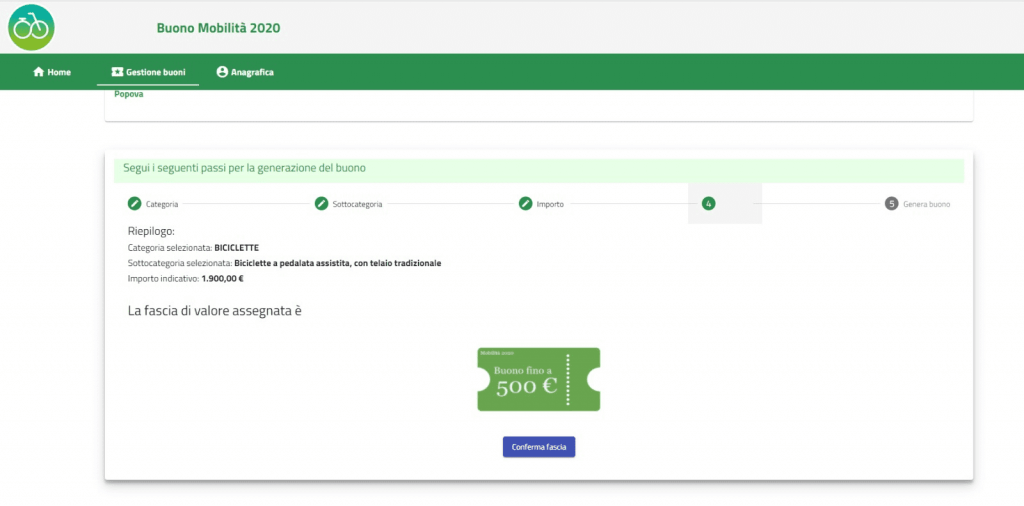
11. ONCE THE BAND HAS BEEN CONFIRMED, AFTER THE SUMMARY SELECT THE "GENERATE VOUCHER" ITEM
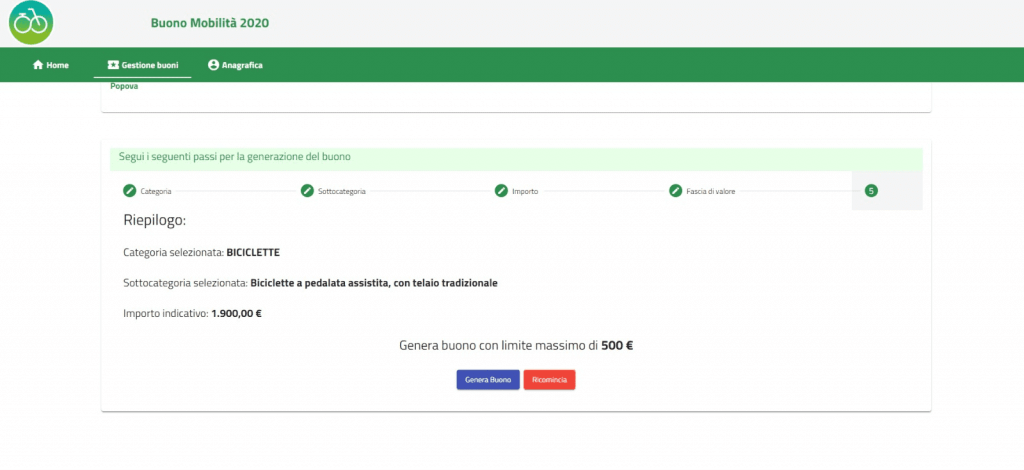
12. SAVE YOUR VOUCHER AS A PDF
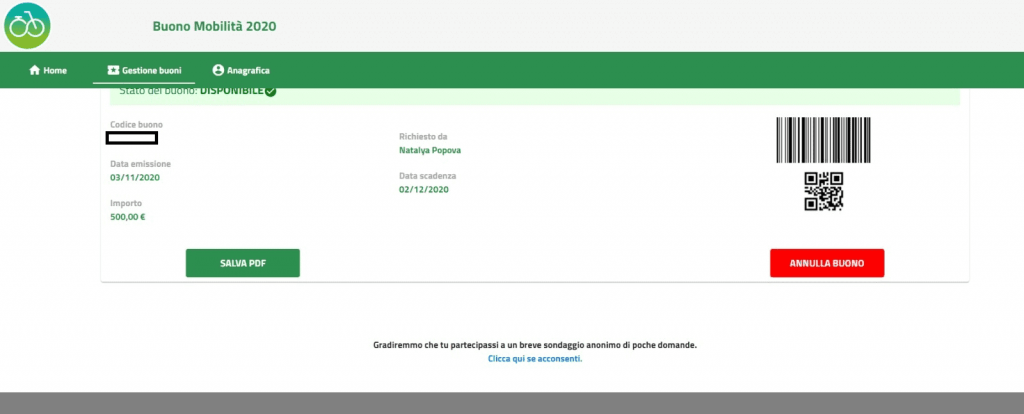
13. HERE IS YOUR VOUCHER GENERATED
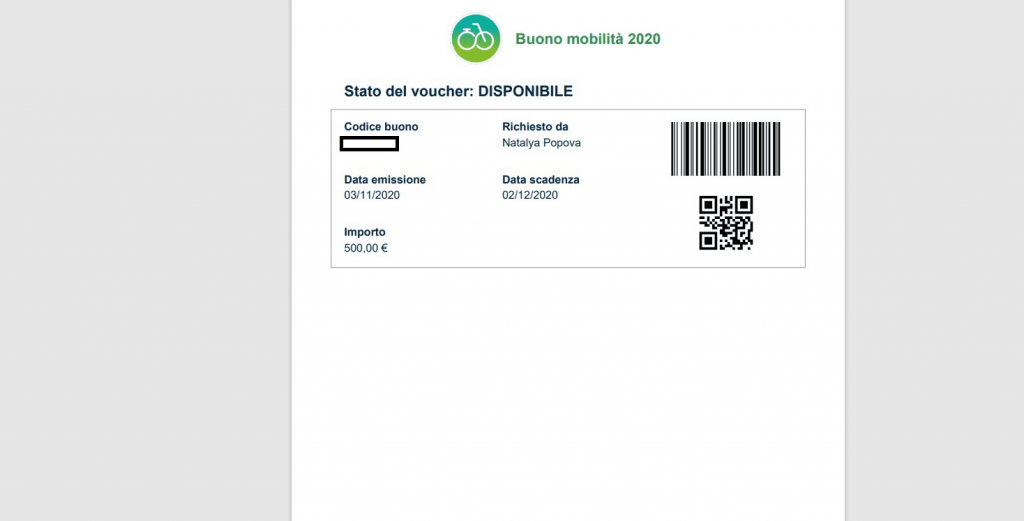
We cancelled this because we did it just to show you.
Our advice to you is not to delay, but rather to act as soon as possible. It is very predictable that the funds will not last much longer.
Your Donno Bikes Team
Find your bike
IDEAL now!
A free consultation!


